Pasteable vs Flycut
Pasteable vs Flycut
the free, open-source Jumpcut successor
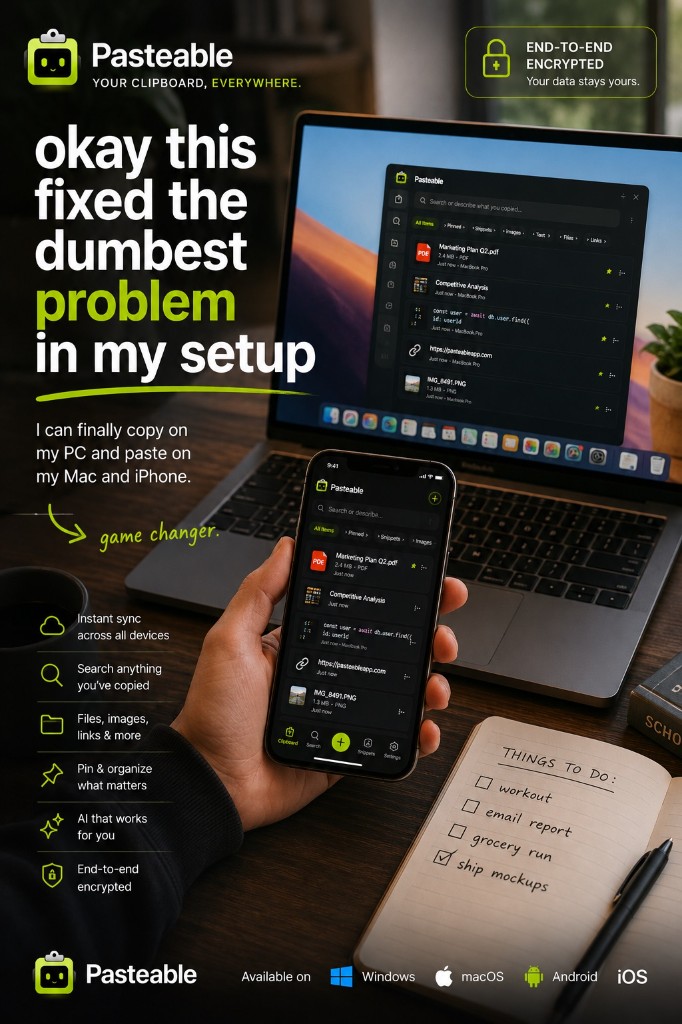
Flycut is a free, open-source Mac clipboard manager — a fork of Jumpcut. It is minimal, fast, and does exactly one thing: remember your text clipboard history. It is perfect if that is all you need. There is no cloud sync, no images, no search beyond plain text, no mobile, and no AI. Pasteable’s free tier covers that local text history and then keeps going.
Pasteable
Free · Pro $6/mo or $60/yr · $80 founder lifetime
Cross-platform · E2E sync · AI search
Flycut
Free / open source
the free, open-source Jumpcut successor
Where Flycut is genuinely good
- Free, open-source, and extremely lightweight.
- Simple, keyboard-first popup for recent text clips.
- Privacy-friendly — everything stays local on your Mac.
Where Pasteable pulls ahead
- Same lightweight, local-first, private ethos on the free tier — plus more.
- Captures text, code, links, images, files, rich text, and HTML.
- Runs on Mac, Windows, and Linux from one account, plus a web app for your phone today — iPhone and Android apps are in store review.
- On-device semantic search, snippets, OS text expansion, and optional E2E sync.
- A web app so your synced clips are in any browser.
Feature-by-feature
| Feature | Pasteable | Flycut |
|---|---|---|
| Platforms | Mac · Windows · Linux · Web · iOS & Android soonMac · Windows · Linux · Web · iOS & Android soon | Mac onlyMac only |
| Price model | Free · Pro $6/mo or $60/yr · $80 founder lifetimeFree · Pro $6/mo or $60/yr · $80 founder lifetime | Free / open sourceFree / open source |
| Local-first storage | ||
| End-to-end encrypted sync | Flycut has no cloud sync. | |
| AI semantic search | ||
| Snippets + OS text expansion | ||
| Sensitive blur / password-manager skip | ||
| Mobile keyboard with synced clips | Coming soon (in store review)Coming soon (in store review) | |
| Web app access | ||
| File & image copy sync | Flycut is text-only. | |
| Open source |
Comparisons reflect publicly documented features as of 2026 and are updated as products change.
Where Flycut falls short
- Mac only — no Windows, Linux, iOS, or Android.
- Text only — no images, files, rich text, or code detection.
- No cloud sync, no search beyond scrolling, no AI, no snippets.
- No active feature development — maintenance mode.
The honest verdict
Flycut is the right tool if you want a free, text-only, Mac-only popup of recent clips. The moment you need images, files, search, sync, or any device that is not a Mac, Pasteable’s free tier already does more — and Pro adds the rest.
Common questions
Is Pasteable as lightweight as Flycut?+
Flycut is hard to beat on minimalism — it does one thing. Pasteable is still fast and quiet in the background while handling images, files, search, and sync. If you only ever want a text popup on one Mac, Flycut is great. Pasteable is for when you want to grow past that.
Flycut is open-source. Is Pasteable?+
Pasteable is not open-source — that is how we fund cross-platform apps, E2E sync infrastructure, and AI. The free tier is genuinely usable forever.
Try Pasteable free
Local-first clipboard history today. Add cross-device sync, AI search, and text expansion whenever you want.
v3.2.16
Pasteable for iPhone and Android is in App Store and Play Store review right now. Join the waitlist and we’ll email you the moment it’s live — or use the web app in your phone’s browser today.