Pasteable vs PastePal
Pasteable vs PastePal
the polished indie Mac clipboard manager
PastePal is a well-designed, affordable Mac clipboard manager from an indie developer. It has a clean UI, good search, and iCloud sync across Mac and iOS. It is a solid choice for Apple-only users. But it stops at Apple — no Windows, Linux, or Android.
Pasteable
Free · Pro $6/mo or $60/yr · $80 founder lifetime
Cross-platform · E2E sync · AI search
PastePal
One-time purchase
the polished indie Mac clipboard manager
Where PastePal is genuinely good
- Beautiful, polished Mac UI with thoughtful design.
- Affordable one-time pricing.
- iCloud sync across Mac and iOS with no setup.
Where Pasteable pulls ahead
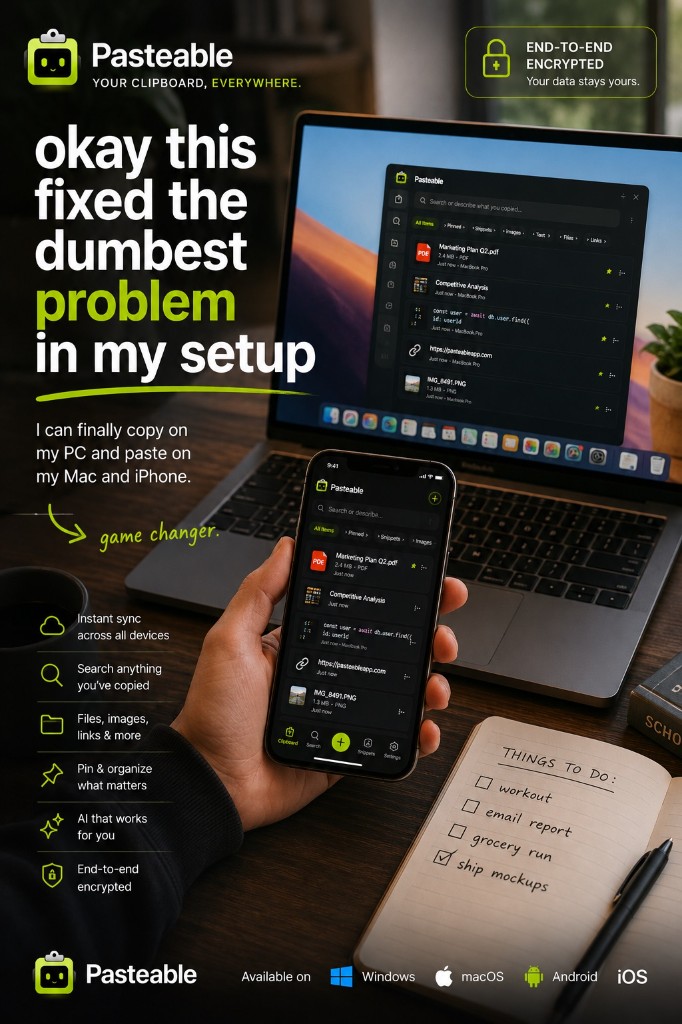
- Runs on Mac, Windows, and Linux from one account, plus a web app for your phone today — iPhone and Android apps are in store review.
- End-to-end encrypted sync — the cloud copy is unreadable without your key.
- On-device semantic search finds clips by meaning, not just text matching.
- Snippets with OS-level text expansion.
- A web app for browser access.
Feature-by-feature
| Feature | Pasteable | PastePal |
|---|---|---|
| Platforms | Mac · Windows · Linux · Web · iOS & Android soonMac · Windows · Linux · Web · iOS & Android soon | Mac · iPhoneMac · iPhone |
| Price model | Free · Pro $6/mo or $60/yr · $80 founder lifetimeFree · Pro $6/mo or $60/yr · $80 founder lifetime | One-time purchaseOne-time purchase |
| Local-first storage | ||
| End-to-end encrypted sync | iCloudiCloud PastePal syncs through your iCloud account; Pasteable encrypts each clip on your device before upload. | |
| AI semantic search | ||
| Snippets + OS text expansion | Snippets onlySnippets only | |
| Sensitive blur / password-manager skip | Ignore appsIgnore apps | |
| Mobile keyboard with synced clips | Coming soon (in store review)Coming soon (in store review) | |
| Web app access | ||
| File & image copy sync | Via iCloudVia iCloud | |
| Open source |
Comparisons reflect publicly documented features as of 2026 and are updated as products change.
Where PastePal falls short
- Mac and iOS only — no Windows, Linux, or Android.
- Sync runs through iCloud, so it only reaches Apple devices.
- No on-device semantic search and no system-wide text expansion.
- No web app.
The honest verdict
PastePal is a lovely Mac app and a fair price. If you live entirely in Apple, it is a good choice. If you ever touch a Windows or Linux machine, want your sync end-to-end encrypted, or want semantic search and text expansion, Pasteable is the broader, more private bet.
Common questions
PastePal is a one-time purchase. Why would I pay for Pasteable?+
Pasteable’s free tier is usable forever and already includes end-to-end encrypted sync across Mac, Windows, Linux, and the web (iPhone and Android apps in store review). Pro syncs up to 10,000 clips, moves files up to 5 GB, and adds hosted AI. The $80 founder Lifetime option means you can also pay only once.
Is Pasteable’s Mac UI as polished as PastePal?+
PastePal has a beautiful Mac-native design and we respect it. Pasteable matches the core flow — overlay, search, pin, paste — and adds Windows and Linux support, on-device semantic search, and end-to-end encrypted sync.
Try Pasteable free
Local-first clipboard history today. Add cross-device sync, AI search, and text expansion whenever you want.
v3.2.16
Pasteable for iPhone and Android is in App Store and Play Store review right now. Join the waitlist and we’ll email you the moment it’s live — or use the web app in your phone’s browser today.