Guide · 2026
Copy Between a Windows PC and an iPhone
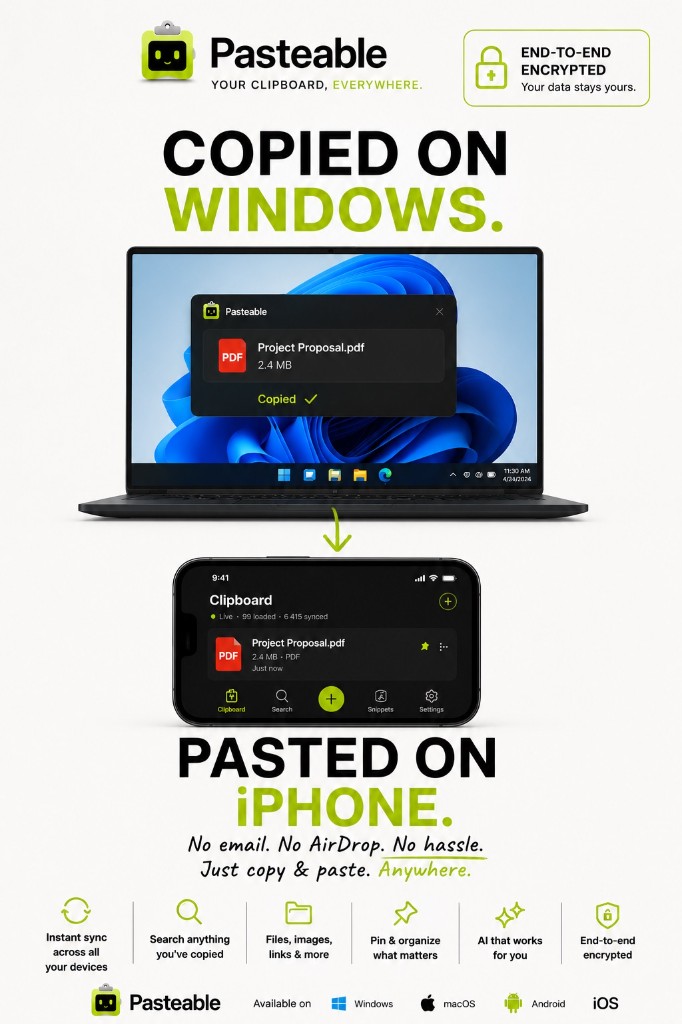
You copied a link, an address, or a code on your Windows PC and need it on your iPhone. Apple's Universal Clipboard only works between Apple devices, and Windows' cloud clipboard only syncs to other Windows PCs. Pasteable bridges the two: install it on Windows, open the web app on your iPhone, and your clips are there — end-to-end encrypted.
Where things stand: Windows → iPhone works today through the web app in Safari. The native iPhone app (clipboard keyboard, Back Tap capture, and iPhone → Windows sync) is in App Store review.
v3.2.16
Pasteable for iPhone and Android is in App Store and Play Store review right now. Join the waitlist and we’ll email you the moment it’s live — or use the web app in your phone’s browser today.
Why the built-in options fall short
Apple Universal Clipboard
Needs a Mac or iPad on the other end — it does not run on Windows.
Windows clipboard (Win+V) sync
Syncs between Windows PCs signed into your Microsoft account (and Android through SwiftKey), not to an iPhone.
Email or message yourself
Works, but it is slow, clutters your inbox, and leaves copies of passwords and codes in chat history.
Windows to iPhone, step by step
Install Pasteable on Windows
Download the free Windows app (Windows 10 & 11, 64-bit), then sign in and turn on sync.
Copy like you always do
Pasteable captures text, links, images, and files in the background and syncs your recent clips, end-to-end encrypted.
Open the web app on your iPhone
In Safari, go to pasteableapp.com/app and sign in with the same account. Unlock your encrypted library the first time you use a new browser.
Tap to copy, paste anywhere
Tap a clip to copy it to your iPhone clipboard, then paste it into Messages, Mail, Notes, or any app.
Already on your iPhone? Open the web app.
Common questions
Can I copy on my iPhone and paste on Windows?+
Not yet. Today the web app lets you pull clips from your PC onto your iPhone. The native iPhone app — which captures what you copy on the phone, with a clipboard keyboard and Back Tap capture — is in App Store review. Join the waitlist on the homepage and we will email you when it is live.
Is it free?+
Yes. Free syncs your 25 most recent clips and files up to 1 GB. Pro syncs up to 10,000 clips, moves files up to 5 GB, and adds hosted AI actions.
Can Pasteable read my clipboard?+
No. Clips are encrypted on your PC before they are uploaded, and decrypted only on your own devices. Our servers store ciphertext.
Does it work with Android too?+
The web app works in any phone browser, including Android. The native Android app is in Play Store review.
Compare with alternatives
Get your PC's clipboard on your iPhone
Free on Windows. 25 end-to-end encrypted synced clips, and the web app on your iPhone today.
v3.2.16
Pasteable for iPhone and Android is in App Store and Play Store review right now. Join the waitlist and we’ll email you the moment it’s live — or use the web app in your phone’s browser today.